Browser demos
A little room to try things.
Two guided examples, no sign-in needed. Use sample files and a fictional broadcast; your files and accounts stay untouched.
A little hands-on moment
From a pile.
To a place.
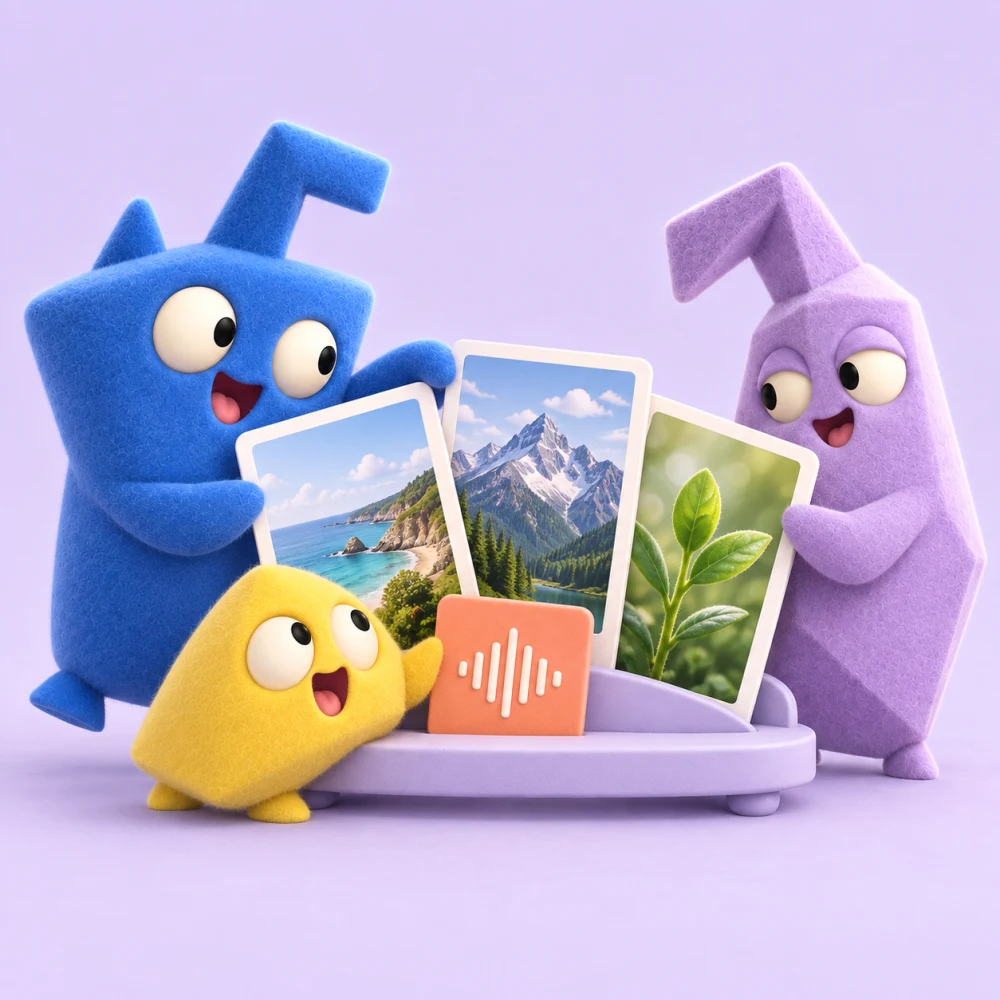
Pick your favourites, give them a home, then find them again. This small sample collection never touches your own files.
A few lovely findsIllustrative example · sample files · generated creator images
Choose a few favourites4 selected
No finds match that search. Try another word or clear it.
Select the sample finds you’d like to keep, then make a collection.
A little hands-on moment
Live once.
Keep the moment.
Follow a fictional live moment from monitoring to automatic recording, then into a collection. You control the example; no real broadcast is recorded.
The creator studioIllustrative example · fictional creator
Sam’s acoustic sessionFictional creator · AI-generated sample image
Monitoring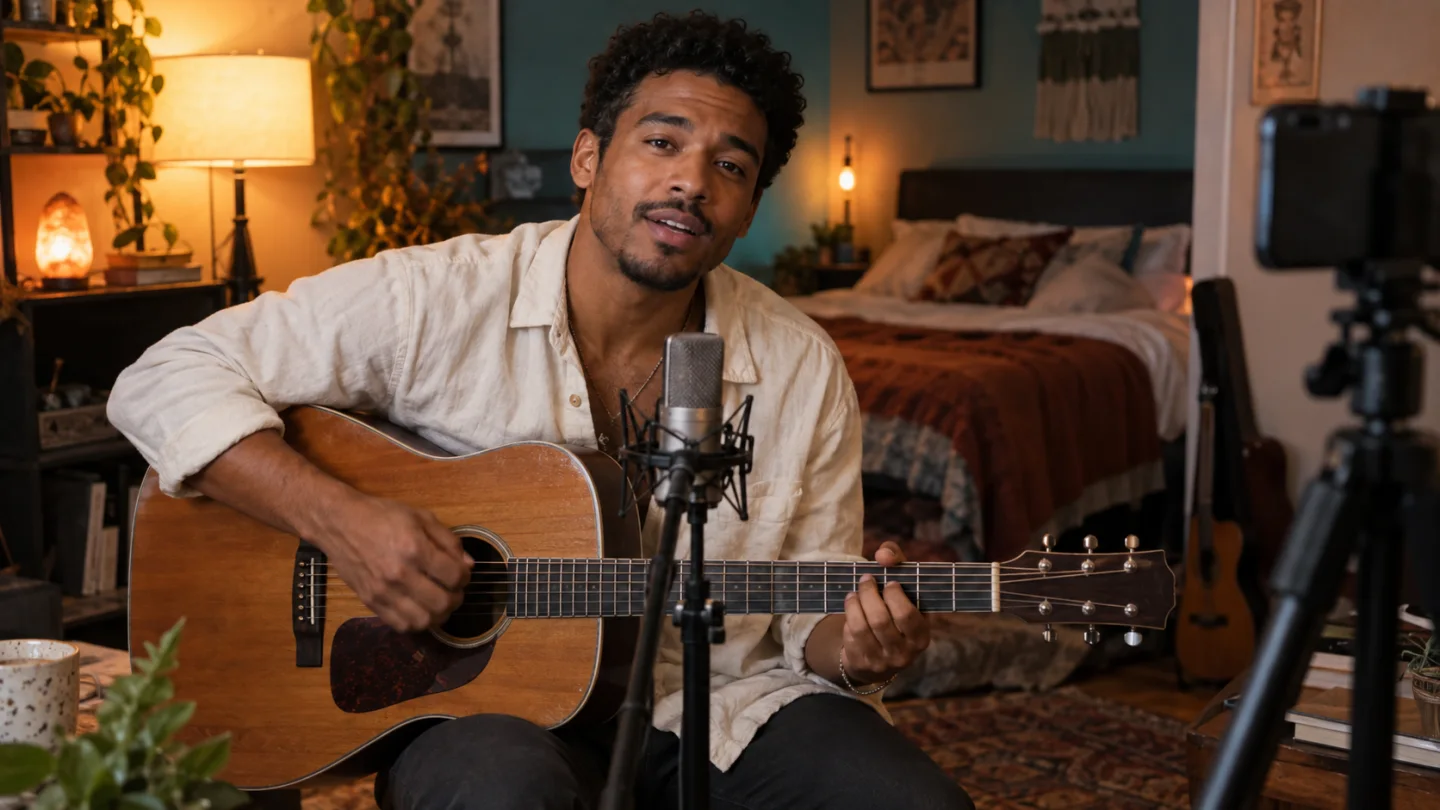
The acoustic sessionSample recording · Creator conversation
Saved- Monitoring
- Recording
- Saved
Monitoring is enabled in this simulation. No account or real broadcast is connected.