Keepstack
Bring your media into one library.
A place for your files, favourite sources and the collections you make.
- Local files, VK & Telegram
- Search and collections
- Your choice of storage
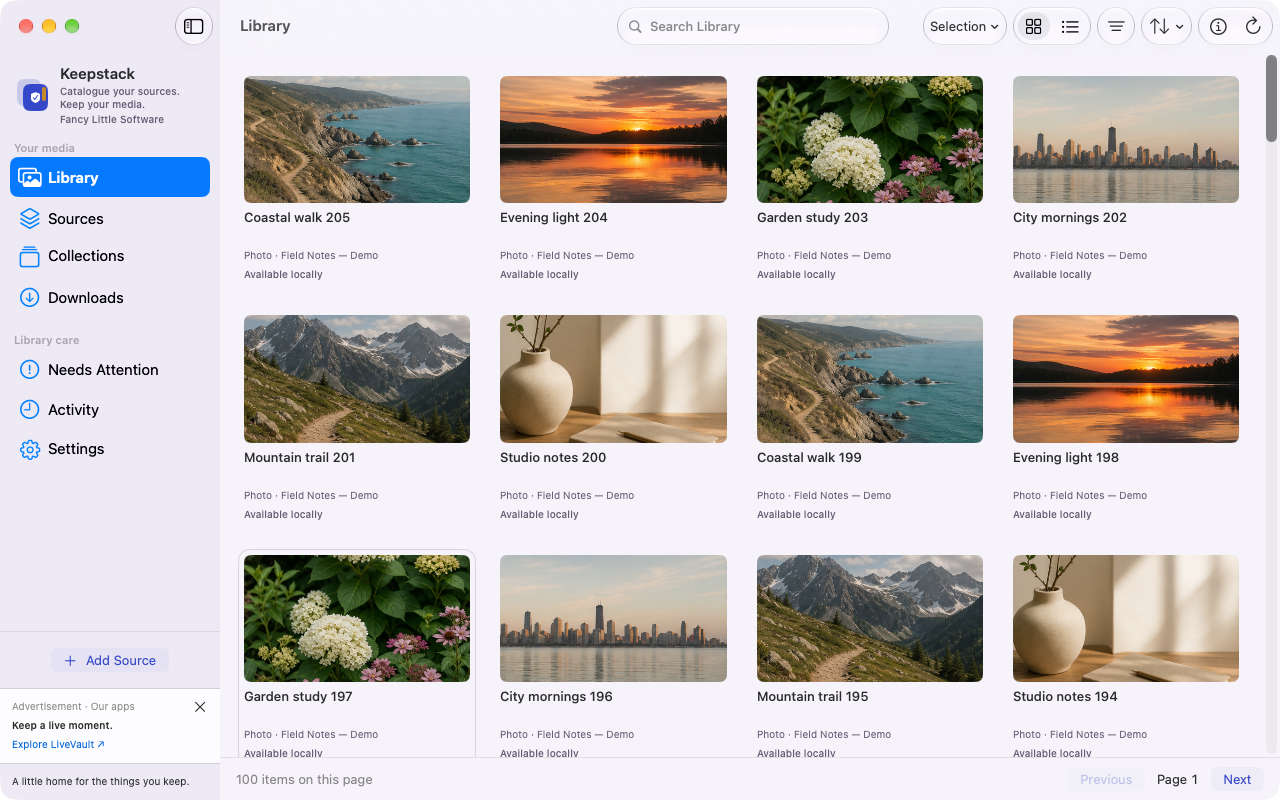
Isolated native review build · Synthetic fixture
Catalogue your sources and keep your media with Keepstack. Discover public Twitch and Kick streams and record supported broadcasts locally with StreamLatch. Two focused apps for your Mac.
Find current release status and purchase options for your Mac. Check availability
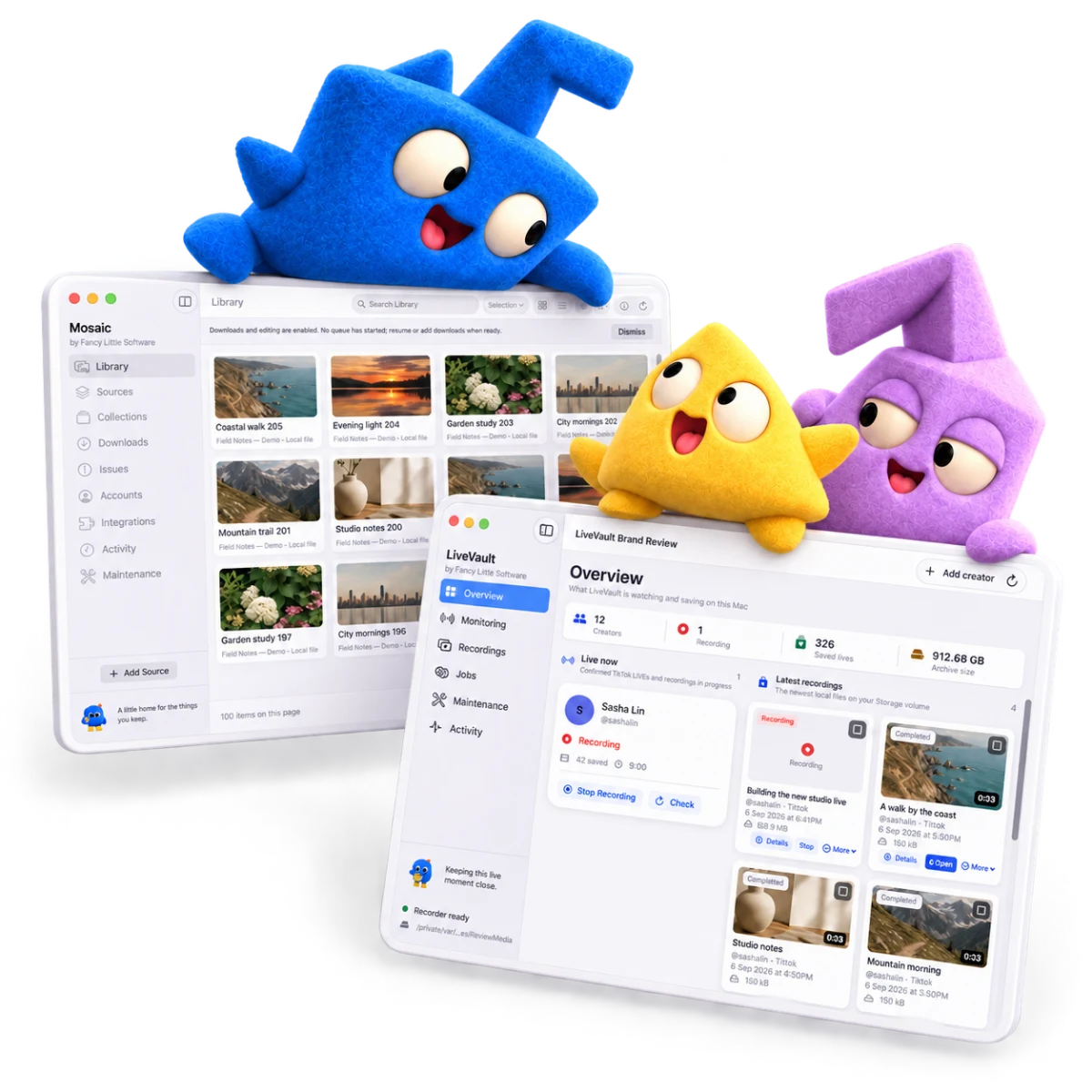
Keepstack
A place for your files, favourite sources and the collections you make.
Isolated native review build · Synthetic fixture
StreamLatch
Follow creators and find your saved broadcasts on storage you choose.
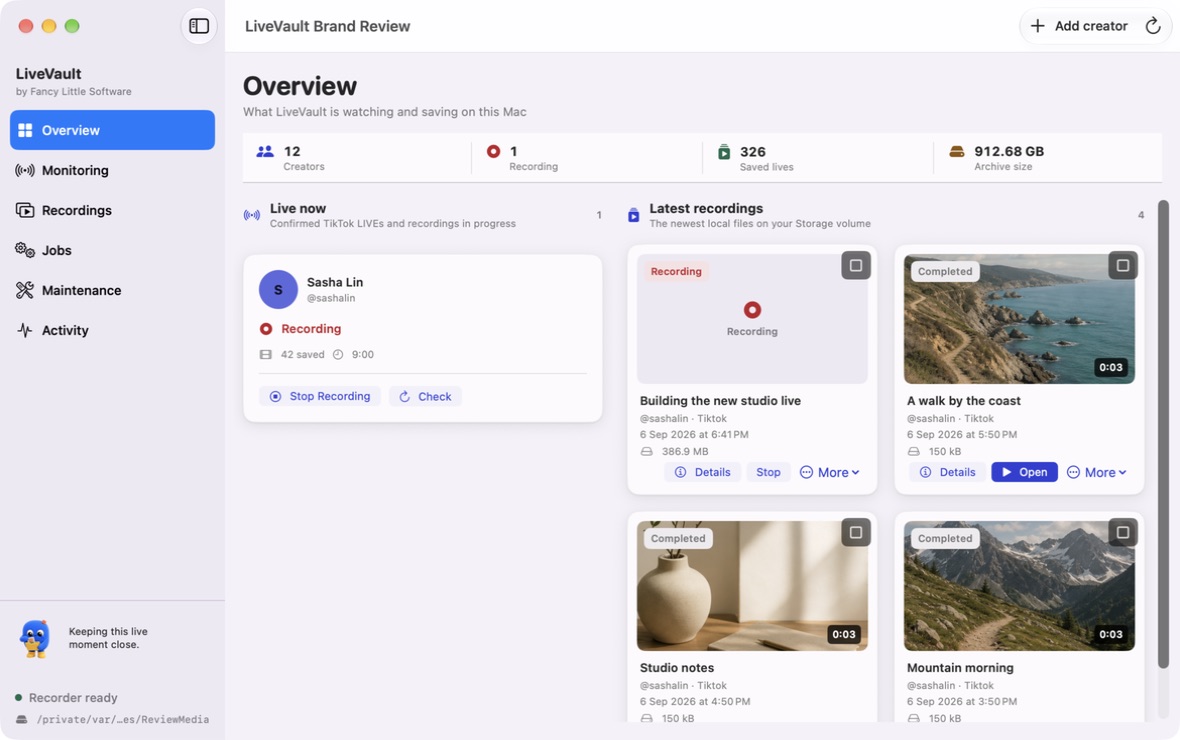
Native demo build · Sample content
Interactive previews · Sample media
Choose a few sample items, make a collection, then search it. Your own files stay untouched.
Follow the full guide →A browser example, not an app trial.
No finds match that search. Try another word or clear it.
Select the sample finds you’d like to keep, then make a collection.
Move a fictional session from monitoring to saved, then play the bundled sample clip. No real broadcast is recorded.
Follow the full guide →A browser example, not an app trial.
Monitoring is enabled in this simulation. No account or real broadcast is connected.
The sample could not load. Explore StreamLatch to see the recording library.
Big on the small things
Useful tools that give your favourite things a little room to belong. Keep media on storage you choose, with a separate backup for safekeeping.
Purchase options
Keepstack and StreamLatch are separate products. Review the maintained offer and current availability before paying.
For your media library
US$39one-time purchase
Review the full price, device allowance and licence terms before paying.
Check Keepstack purchase optionsFor live discovery and supported local recording
US$4.99billed monthly
US$49billed yearly
Same paid features on either plan. Check current availability before paying.
Review the full price, device allowance and licence terms before paying.
Check StreamLatch purchase optionsBrowser demos are free examples, not paid trials. Existing licences keep their original terms. Licence terms · Refund policy
Sources, a first collection, and finding your favourites.
StreamLatch · Getting startedDiscovery, deliberate recording choices, and what each status means.
Both apps · A little housekeepingChoose a destination and make room for a proper backup.
Keepstack brings media files, sources and collections into a searchable library. StreamLatch discovers public Twitch and Kick listings and records supported accessible broadcasts when you explicitly choose it. They do different jobs; you can use either on its own.
Check the official download page for the verified Mac releases. Installer links appear there only when a release is available.
Requirements are macOS 14.0 or later for Keepstack and macOS 13.5 or later for StreamLatch. Check the requirements listed with your installer before downloading.
Keepstack is US$39 as a one-time purchase. StreamLatch is US$4.99 billed monthly or US$49 billed yearly. Review current purchase availability and full terms before paying. Signing up for release news does not start billing.
No. Only supported accessible broadcasts you have permission to record. A creator can be listed live while recording is unavailable. Connection guidance explains the next checks.
On storage you choose. An external drive or supported cloud-synced folder can help, but syncing can still require local space. Keep a separate backup of your catalogue and media. Read the storage guide.

Here’s to your next favourite thing.
You bring the good things. We’ll bring their little home.
Get the apps